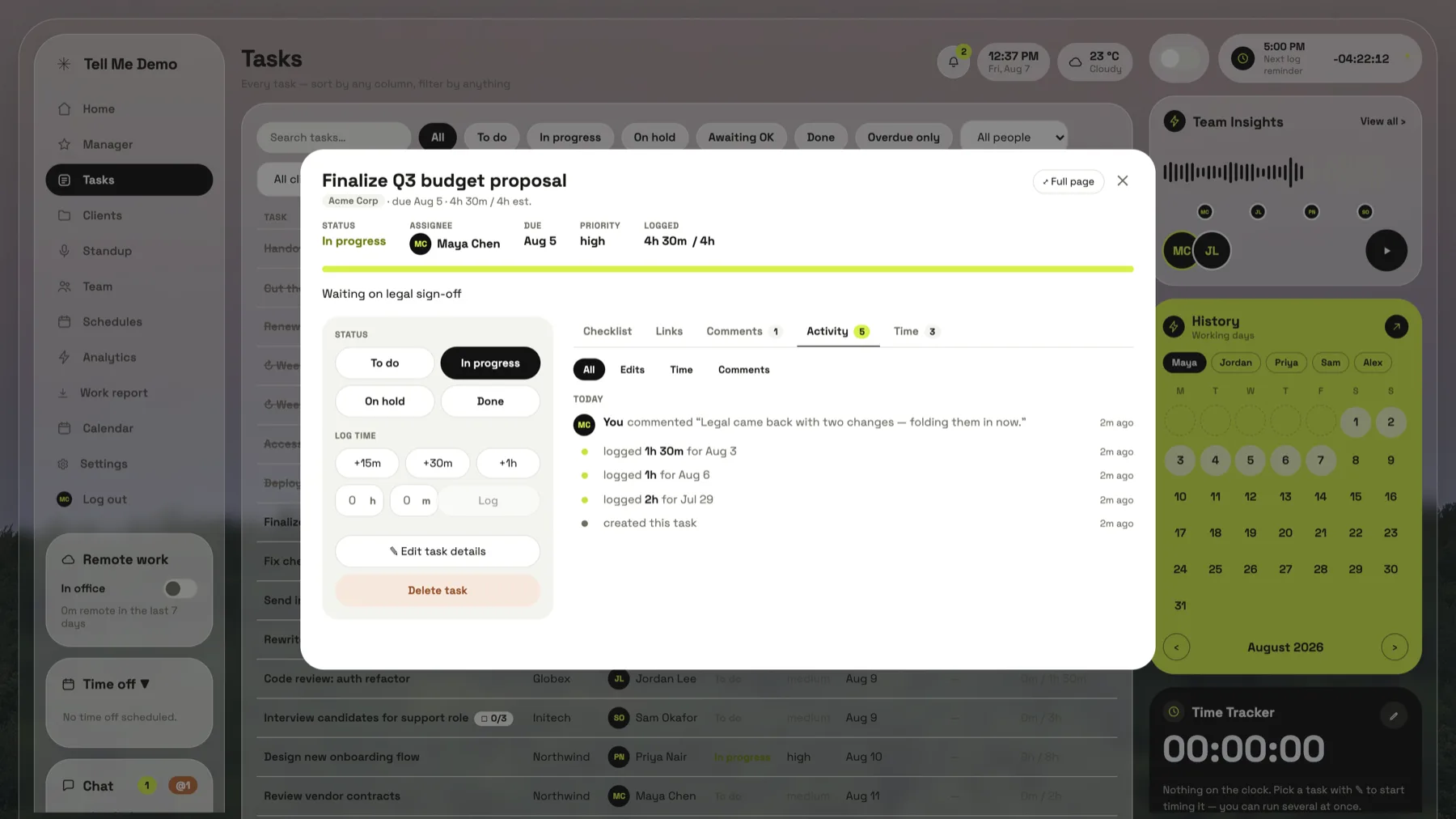
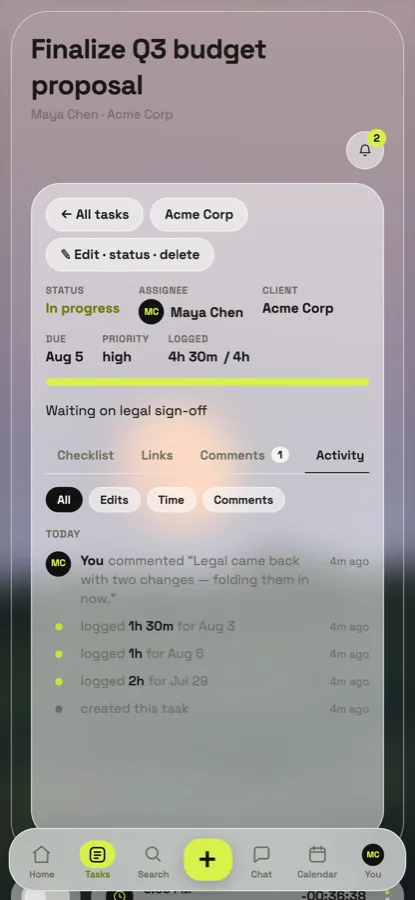
The task, the hours against it, the client it belongs to, the checklist, who said what, and how long it really took. One record, so nothing has to be reconciled with anything.
The client is a field, not a tag
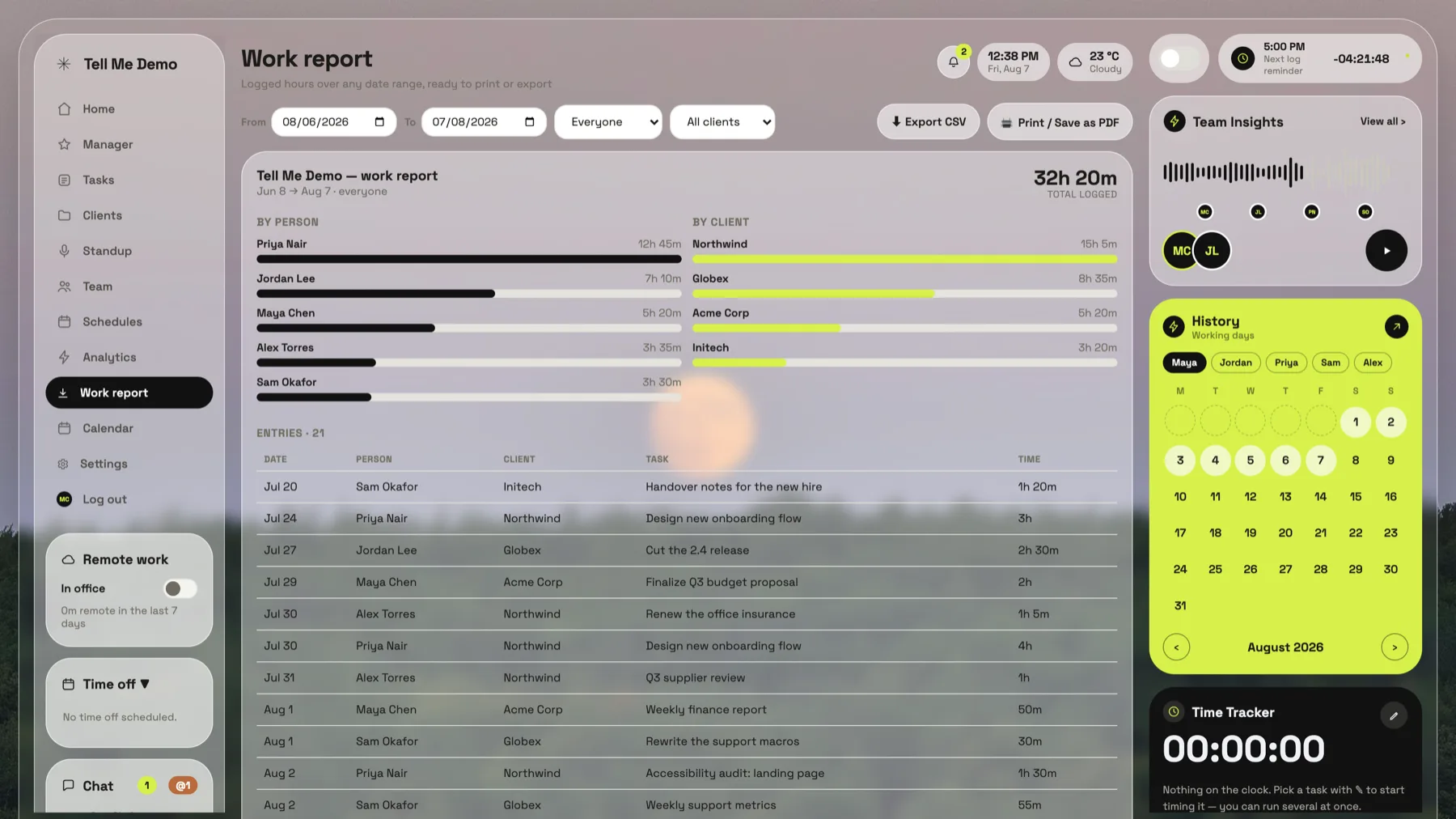
Every task belongs to a client, so hours roll up per person and per client without anyone tagging anything.
Clients are a managed list, not free text — so “Acme” and “Acme Corp” can’t quietly become two lines on a report. Add one inline while you’re creating a task, and the project page for that client gives you its progress, its people, its hours and everything overdue on it.
Timers that survive real life
Several tasks on the clock at once. Timestamp-based, so a throttled tab still measures real time.
Clocks are stored per device and per person, so a reload doesn’t lose an afternoon. Anything under thirty seconds is dropped rather than logged as a phantom minute. Pause all and log all handle the whole set when the day ends.
NewA record you can defend
Every task keeps its whole history: who changed what, when, and why it ran late.
Completion records the day the work was finished, separately from the day someone got round to ticking it — so a task finished on Friday and marked on Monday is not reported as late. The two stamps are kept apart on purpose, and both are visible.
Approvals, only where you want them
Flag a task and finishing it goes to the manager first. Everything else completes instantly.
It’s per task and off by default. Anyone can ask for approval on their own work; only the manager can lift the requirement, so it can’t be quietly unticked by whoever wants to finish. The manager gets an inbox and a badge, and can approve the lot in one go.
Estimates that teach you something
Estimated against actual on every finished task, so the next estimate is better than the last.
Analytics keeps estimate accuracy per person, cycle time from created to finished, and the hours behind both. It’s not a scoreboard — it’s the number you need in front of you when you’re quoting the same kind of job again.
Talk where the work is
A comment thread on every task, a team room with @mentions, and a standup written for you.
The standup page assembles itself from the week’s activity: what each person finished, what they’re on, and what’s blocked. One tap copies it for pasting into wherever your team actually starts the morning.